
Why a clean file saves time on the floor
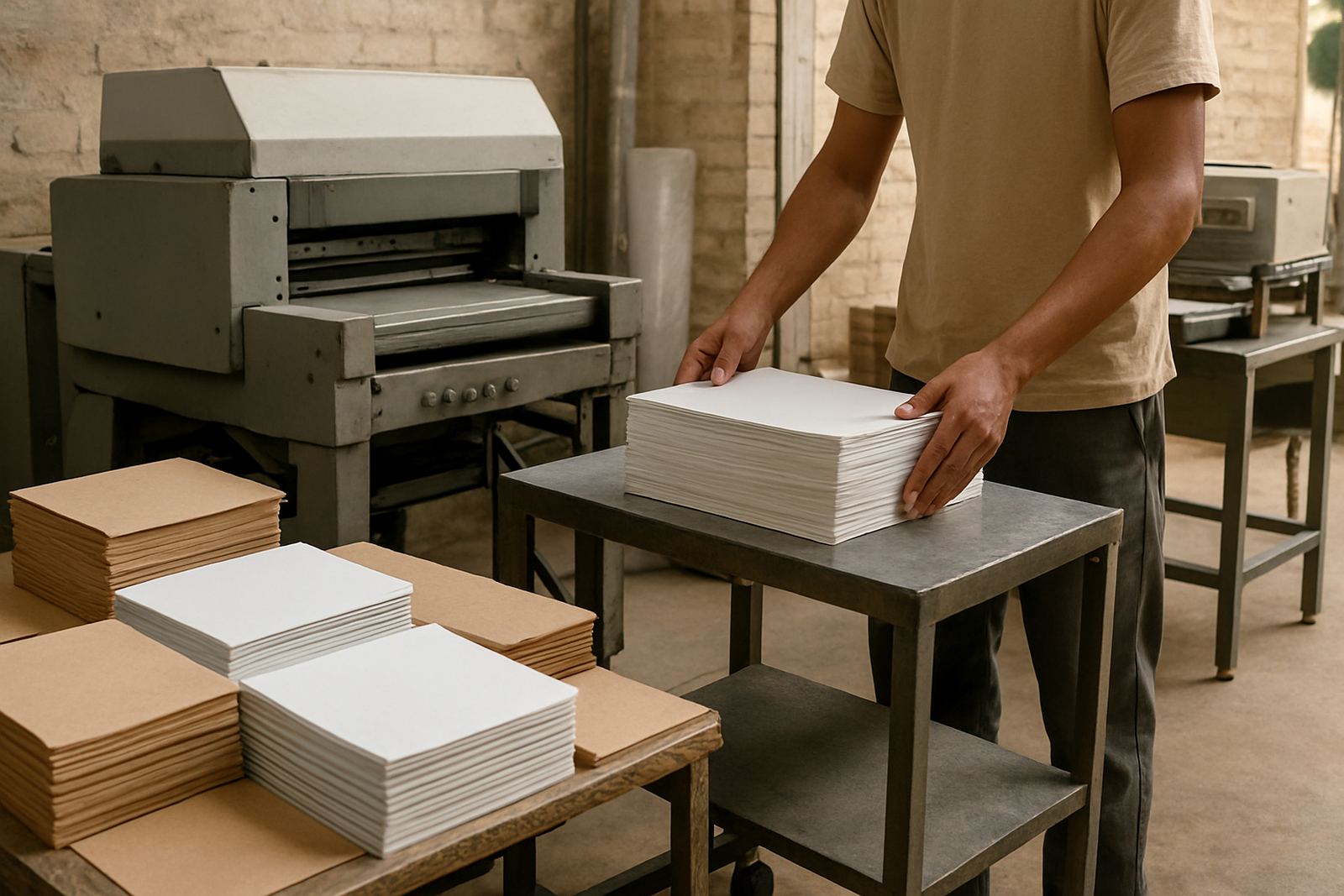
When a client sends artwork for banners, vehicle branding, business stationery or embroidered clothing, the file has to suit the job, not just look fine on a screen. A small issue in the layout can mean extra proofing, colour shifts, trimmed logos or a delay while the file is fixed. In a busy Rustenburg production schedule, that can push out collection, delivery and site work by a full day or more.
At Crystal Clear Printing, we see this often with mines, schools and local businesses around Bojanala. A good file lets the team move from artwork setup to print, finishing and installation without back and forth. It also helps when load-shedding or weather cuts into production time because there is less room for avoidable rework.
Common artwork errors that cause delays
Most file problems are simple. They usually come from a logo pulled from a WhatsApp image, a poster designed for screen viewing, or text that was typed directly into a social media graphic. Those files can look acceptable on a phone but fail when enlarged for a banner, sign board or gazebo wall.
- Low-resolution images that blur when scaled up
- Text turned into outlines incorrectly or left in a missing font
- Artwork saved in the wrong colour mode for print
- Images placed without bleed, which leaves white edges after trimming
- Thin lines that disappear in vinyl cutting or embroidery
- Too much detail in small spaces, especially on pens, caps and lanyards
If you are branding staff uniforms for a site in Marikana or printing school event banners for Mogwase, those mistakes can affect both the look and the timing. A clear layout from the start is always faster than a rescue job later on.
Colour, size and resolution need to match the job
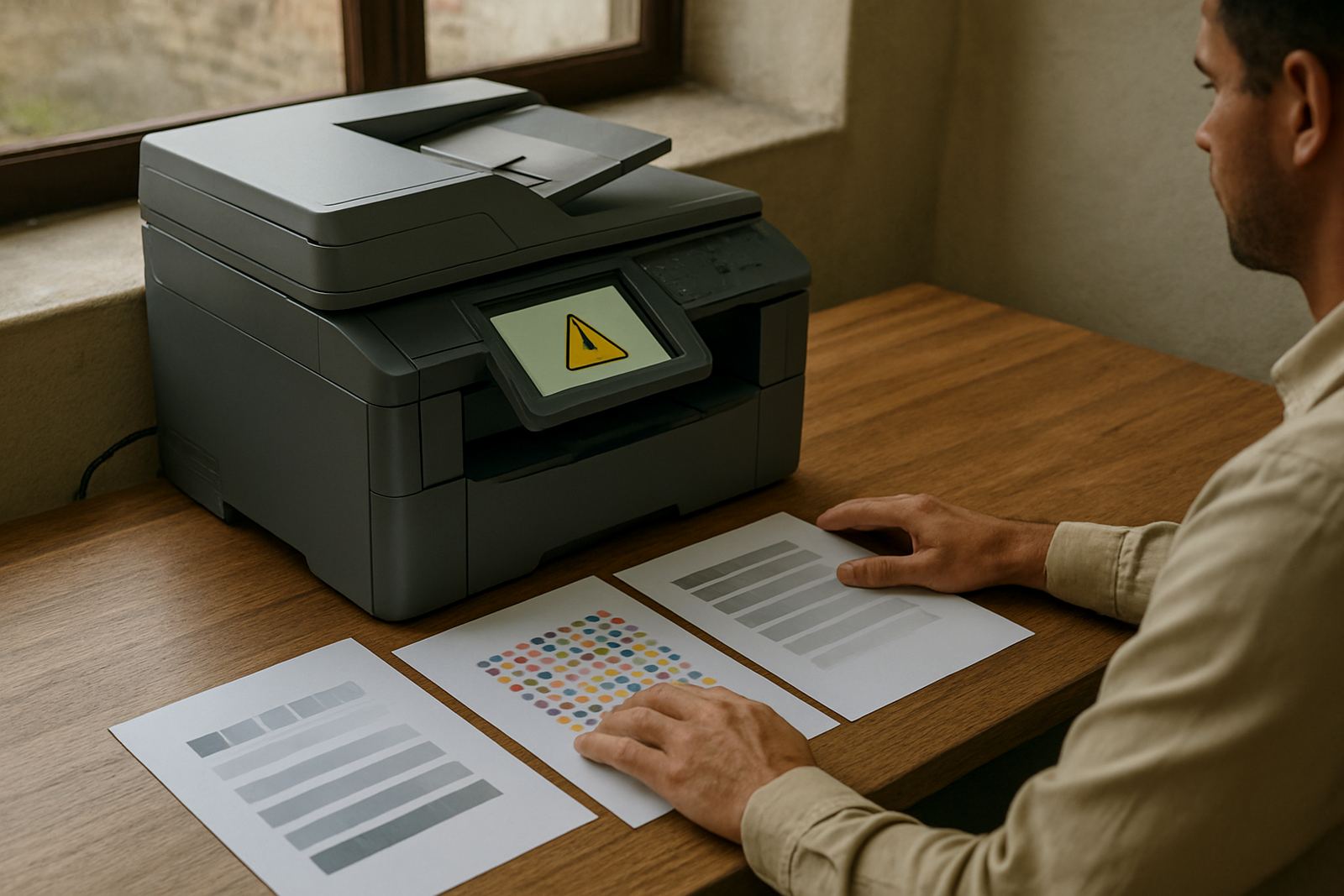
Colour is one of the most common surprises. What appears bright on a laptop can print darker, flatter or more muted. For large format printing, the file should be prepared with the final size in mind so the text stays readable from the road or across a yard. If the sign will hang on a fence near a municipal road, the lettering must still be legible at a distance.
Resolution matters as well. A file that looks sharp at 100% on screen may still be too soft for a wall banner. For embroidery, the same artwork may need simplifying because stitching cannot hold tiny gradients and fine shading. That is why a clean logo in the correct format works better than a screenshot or a social post crop.
- Use the final print size wherever possible
- Keep important text away from trim edges
- Leave enough space for eyelets, hems or pole pockets
- Ask for a proof when the job needs exact colours
- Keep separate versions for print, vinyl and embroidery if needed
Fonts, spelling and layout are easy to miss
Spelling mistakes are not only embarrassing, they can stop a job if a sign board goes out with the wrong contact name, a school banner has a mistake, or a business card carries the wrong title. Fonts can also be a problem when a file is opened on another machine and the original typeface is missing. Then the layout shifts and line breaks move out of place.
We often find that a file is almost right but not quite. A heading sits too close to the edge, a phone number wraps onto a second line, or the spacing between letters is uneven. These are small issues, but on a printed item they stand out. It is worth checking the file with fresh eyes before sending it through. Even a quick read by someone else can catch the error before production starts.
Printing, embroidery and signage each need different prep
One logo can be used across many products, but the file setup changes from job to job. A design for a pull-up banner is not the same as a design for a cap, a corporate shirt or a cut vinyl panel on a bakkie. If the artwork is not prepared for the right process, the end result can look heavy, broken or too busy.
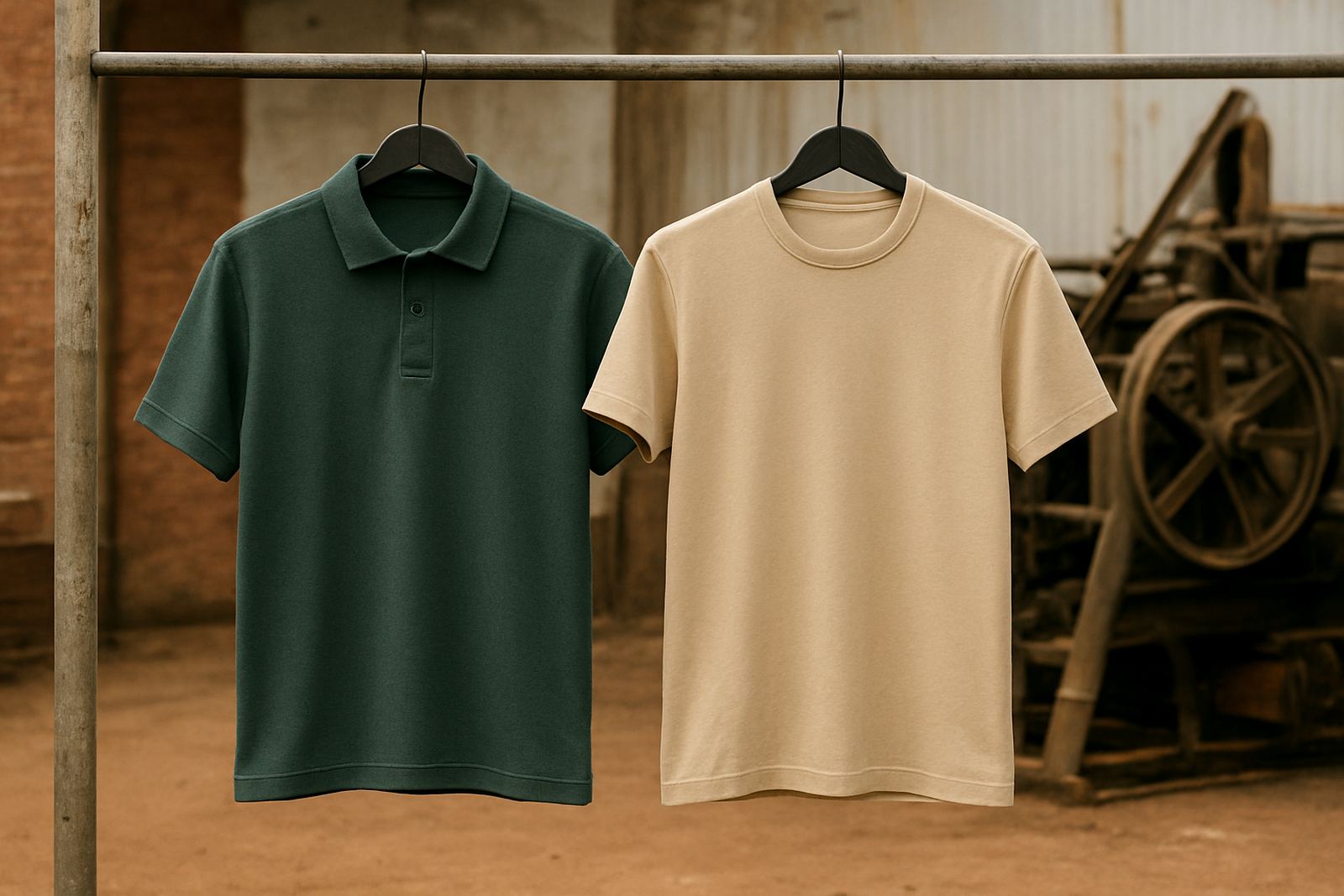
For embroidery digitising, bold shapes and simple lettering work best. Fine gradients, tiny text and thin strokes usually need adjusting. For vehicle branding fitment, the panels must be measured correctly so seams, handles and curves are taken into account. For sign installation, the final board size, fixing method and site access all matter. Our Rustenburg CBD base handles these details daily, whether the job is for the workshop, the school gate or a mine office.
- Embroidery needs simplified shapes and safe stitch sizes
- Vehicle branding needs correct measurements and panel allowances
- Large signs need bleed, fixing points and weather-safe layout
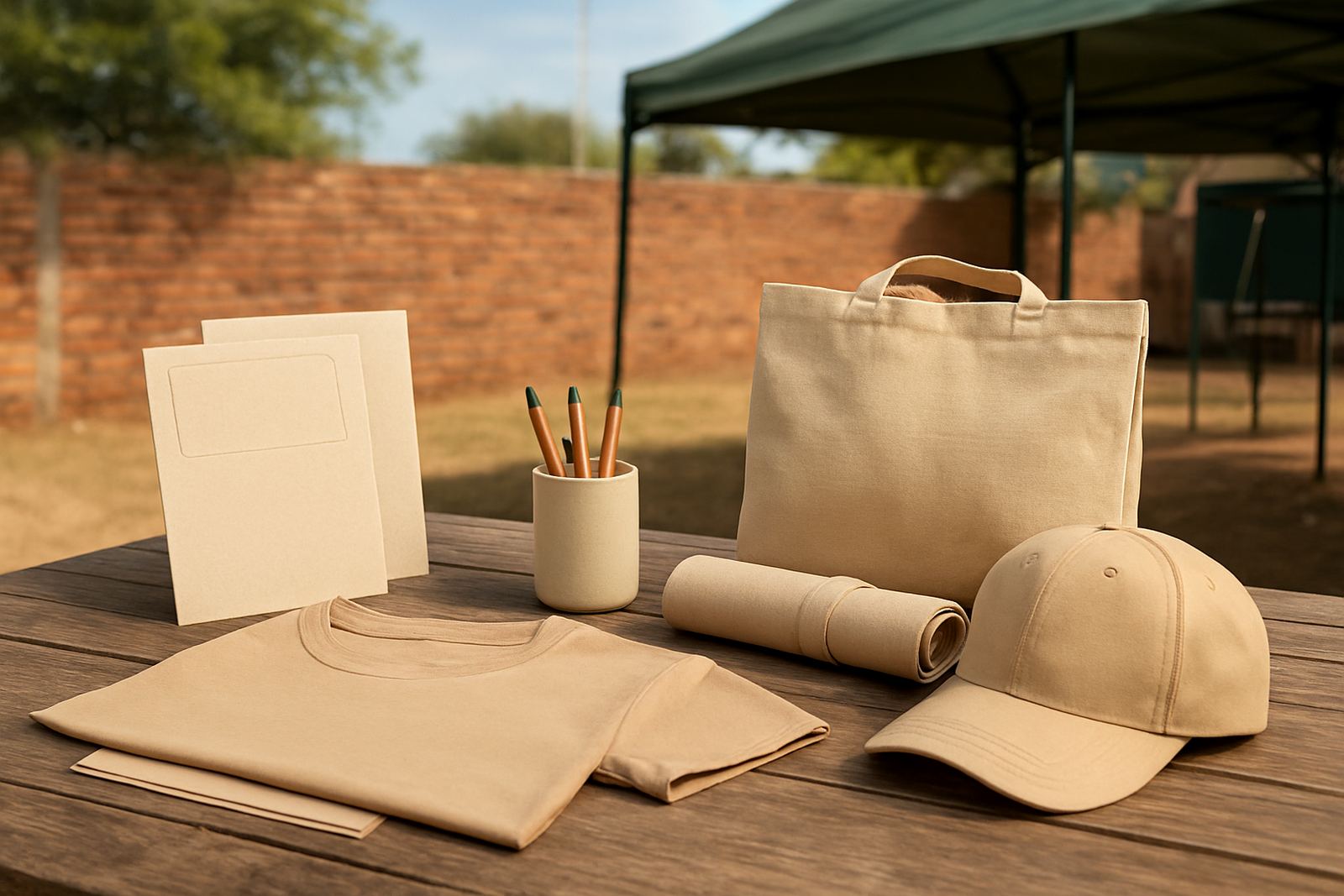
- Promo gifts need artwork scaled to the item size
- Stationery needs crisp text and accurate margins
A local example from Rustenburg
A school in the Rustenburg area once brought in a banner file that looked fine on the teacher’s screen, but the logo had been copied from a low-quality image shared on a phone. The text was also too close to the edge, so the trimmed banner would have cut into the border. The same artwork was later needed for embroidered staff shirts and a small sign at the entrance, which meant the file had to be adjusted in more than one way.
By cleaning the logo, spacing the text and preparing separate versions for print and embroidery, the school got a result that worked across all three items. That saved time during the busy term start and avoided a second round of reprints. It is a common story in Bojanala: one file, many uses, but each use needs the right setup.
What to send before production starts
If you want your job to move quickly, send the cleanest artwork you have and include the details that matter. That helps the production team check the file properly and spot trouble early. It also reduces delays when multiple items need to be branded at once, such as banners, stickers, clothing and gazebo panels.
Before you submit, look over the basics and make sure nothing is missing. A little checking upfront saves money later and keeps the job on track, especially when delivery windows are tight or weather conditions affect outdoor installation.
- Final logo or artwork file in the best quality available
- Correct spelling for names, titles and contact details
- Final size or item measurements
- Colour preference if it is important to the brand
- Notes about where the item will be used or installed
- Any deadline linked to an event, school function or site opening
When the file is ready, the rest of the process is simpler. That means faster artwork setup, fewer changes and a cleaner result on the final product. For print file mistakes, the best fix is usually to catch them before the machine starts.